Logo titulo 2

issuu logo symbol colour

    • Agrupamento
    • Escolas
      • • ESSCP (sede)
      • • EBI D. FMM
      • • EB1/JI Venteira
      • • EB1/JI Manuel Heleno
      • • JI Raquel Gameiro
    •   Visita virtual à sede Visita virtual à sede
    • Oferta educativa 26/27
    • Fale connosco
  • Orgãos
    • Organograma
    • Conselho Geral
    • Direção
    • Conselho Administrativo
    • Conselho Pedagógico
    • Departamentos
  • Documentos
    • Projeto educativo 15-18
    • Reg. interno 15-18
      • Reg. Cursos Profissionais
      • Reg. Cursos Edu. Formação
    • Plano A. de Atividades
    • Projeto Curricular
    • Plano Pluri. TEIP 14-17
    • Avaliação
      • Externa
      • Interna
    • Plano E@D
    • PADDE 25/27
  • Comunidade
    • Comunidade escolar
    • Alunos
      • Estatuto do aluno
      • Calendário Escolar 25|26
      • Manuais Adotados 25|26
      • Critérios Gerais de Avaliação
      • Provas e Exames 2026
      • Valor e Excelência
    • Não Docentes
      • Contratação/Concursos
    • Pais / E.E.
  • Serviços
    • Administrativos
    • Ação Social Escolar
    • Apoio T. Específico
    • Bibliotecas
    • EMAEI
    • G.A.A.F.
    • Gabinete de Acolhimento
    • Mentoria entre Pares
    • Suporte informático
    • S.P.O.
    • Sala de Estudo
  • Notícias
    • ANO LETIVO 2025-26
    • ARQUIVO
      • Ano letivo 24/25
      • Ano letivo 23/24
      • Ano letivo 22/23
      • Ano letivo 21/22
      • Ano letivo 20/21
      • Ano letivo 19/20
      • Ano letivo 18/19
      • Ano letivo 17/18
      • Ano letivo 16/17
  • Referência
    • ESTRUTURAS DE REFERÊNCIA
    • Clube Desportivo
    • ESCXEL
    • Observa. da Qualidade
    •  Programa Erasmus+ Programa Erasmus+
    • Programa TEIP
    • Programa QUALIFICA
  • A.E.C.
    • Atividades de Enriquecimento Curricular
    • Clubes
      • Clube das Artes
      • Cerâmica e Azulejo
      • Ciência Viva na Escola
      • Clube de Fotografia
      • Clube de Música
      • Programação e Robótica
    • Projetos
      • Antologia e_moções
      • Apps For Good
      • Eco-Escolas
      • E.F. / Desporto Escolar
      • Energy up
      • Escola Feliz
      • INOV E
      • Grupo de teatro AbreMundos
      • Mexe-te +
      • Newsletter
      • PNC
      •  Programa Erasmus+ Programa Erasmus+
Demo
Home Memória Site ...
  • Office 365
  • Suporte informático
  • SIGE3
  • SIGA
  • Inovar PAA
  • Inovar
  • Consulta alunos
  • Moodle
31 Jul.2011

Gallery

The Widgetkit Gallery provides a smart and automated way to publish images on your website. You only need to select the image folders and the whole gallery is generated automatically.

Features

  • Fully responsive including all effects
  • Folder based image selection
  • Supports multiple image folders
  • Automatic thumbnail creation
  • Supports image captions and custom links
  • Uses the Widgetkit Spotlight and Lightbox
  • Built with HTML5, CSS3, PHP 5.2+ and the latest jQuery version
  • Works with Joomla and WordPress

Showcase Box Example

This is an image showcase with eye-catching transition effects and a thumbnail navigation.

  • image1
  • image2
  • image3
  • image4
  • image5
  • image6
  • image7
  • image8
  • This is a HTML caption with a link.
  • This is another HTML caption with a link.
  • image1
  • image2
  • image3
  • image4
  • image5
  • image6
  • image7
  • image8

Image Wall Example

This is an image wall with zoom effect, no margins and squared corners using the lightbox.

No images found.

Polaroid Example

This is an image wall with scattered polaroid pictures using the lightbox.

Aguarela-Seomara-2

Aguarela-Seomara-2

Manuais_024_seomara

Manuais_024_seomara

Seomara

Seomara

Seomara_600px3

Seomara_600px3

mw-1920

mw-1920

Slider Example 1

This is an image slider where the image centers automatically during the effect. It also features a spotlight caption and the lightbox.

  • This is a caption for the first image.
  • This is a caption for the second image.
  • This is a caption for the third image.
  • This is a caption for the fourth image.

Slider Example 2

This is an image slider where the image stays left during the effect.

No images found.

Slideshow Screen Example

This is an image gallery using the nice swipe effect from the slideshow widget.

No images found.

Slideshow Default Example

This is an image gallery using all the features from the slideshow widget.

  • ESSCP
  • entrada
  • interior
  • interior_acesso_biblioteca
  • pavilhoes

Showcase Example

This is a simple image showcase mashing up all the features from the slideshow and slideset widget.

No images found.

Slideshow Inside Example

This is a very basic slideshow which uses preview thumbnails inside the image as a navigation.

  • image01
  • image02
  • image03
  • image04
  • image05
  • image01
  • image02
  • image03
  • image04
  • image05

Spotlight Example

This is an image wall with some margins and rounded corners using the spotlight and lightbox.
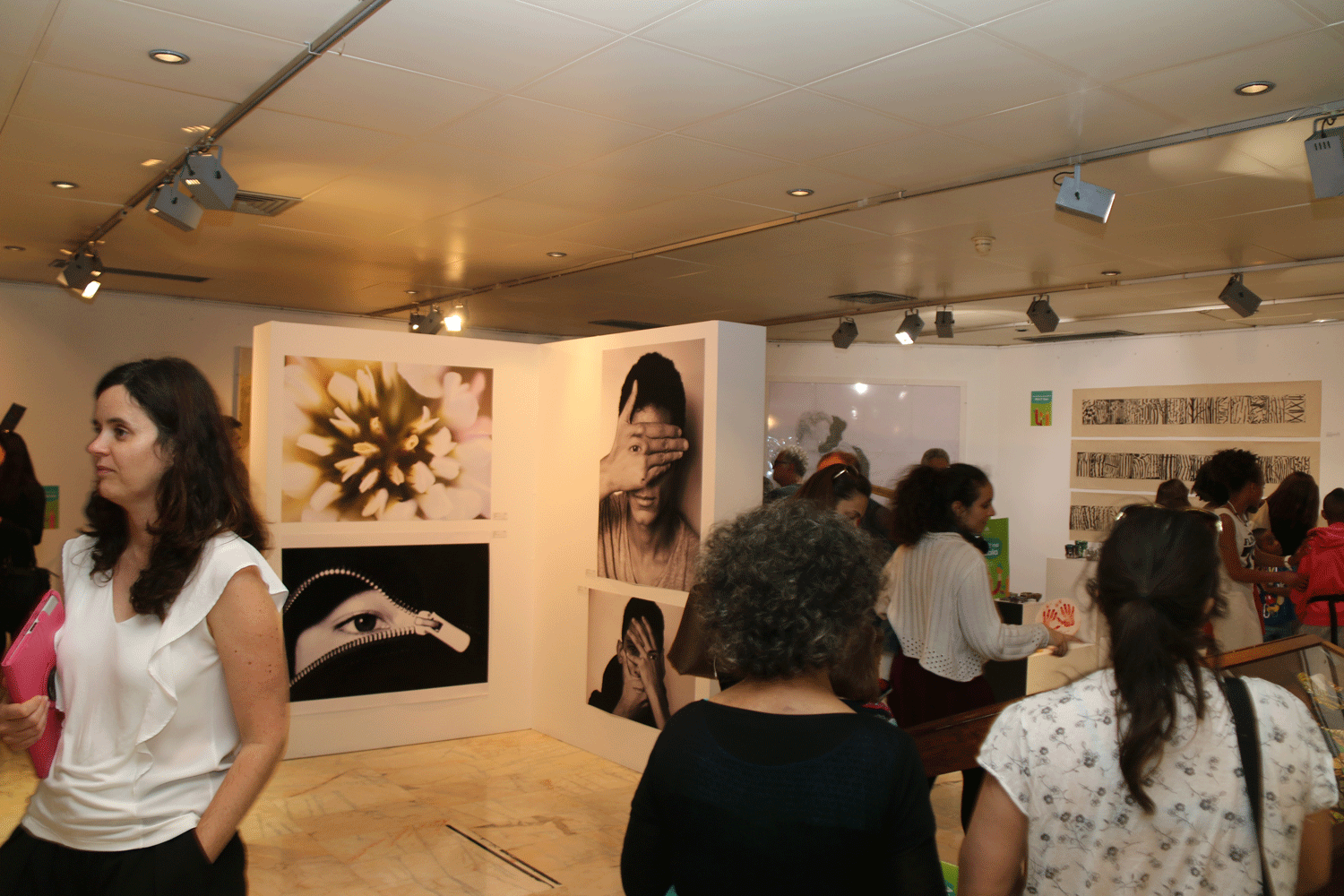
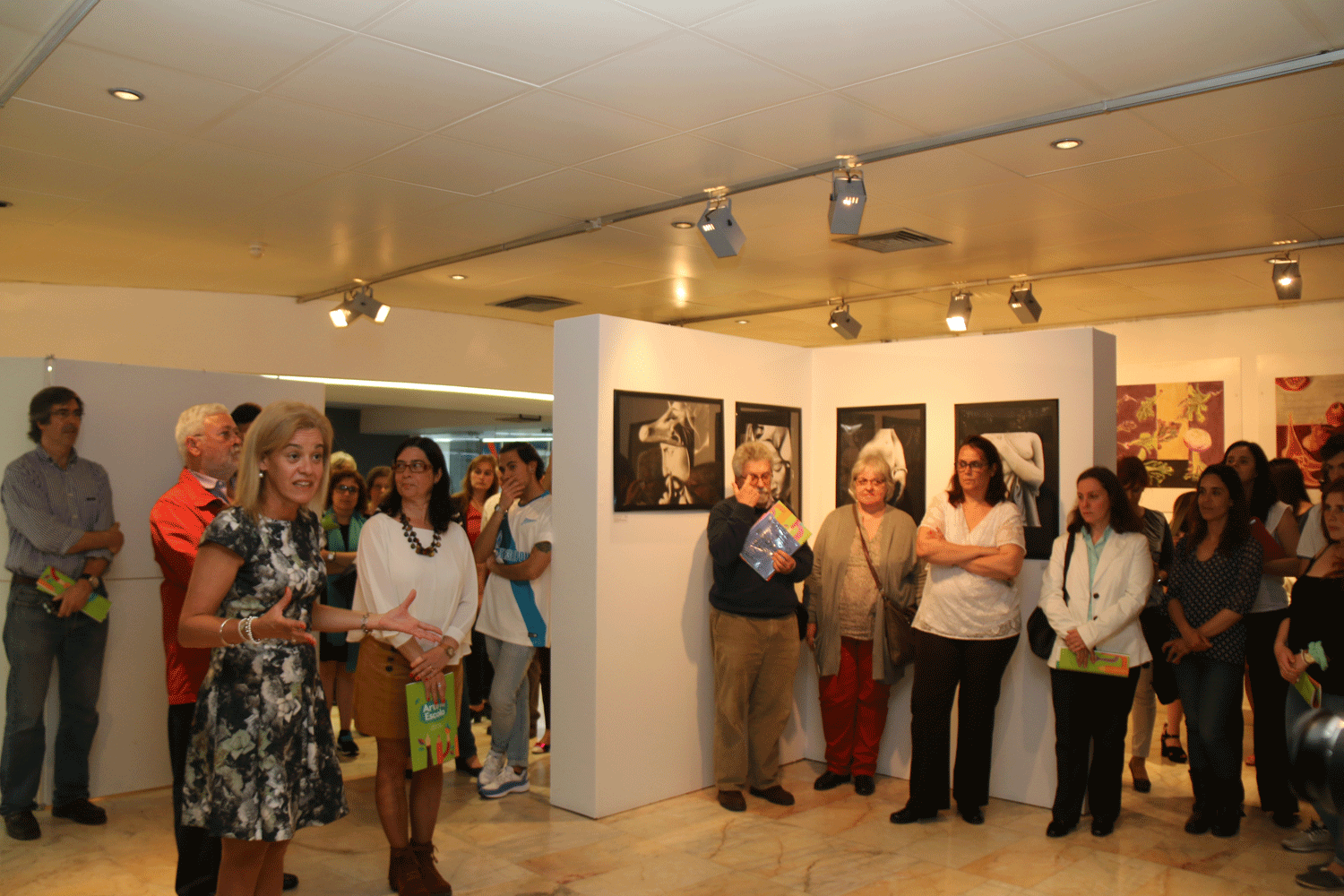
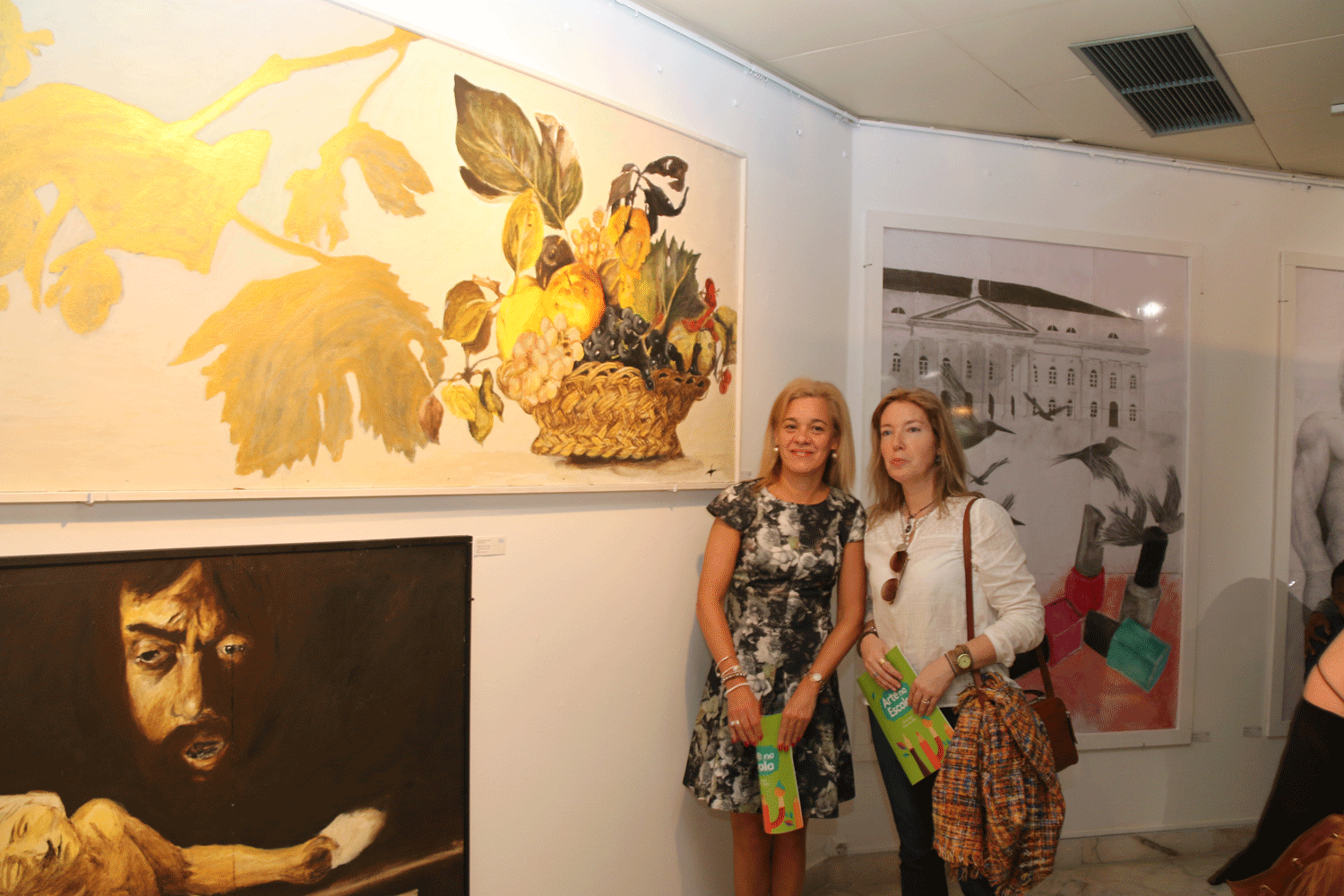
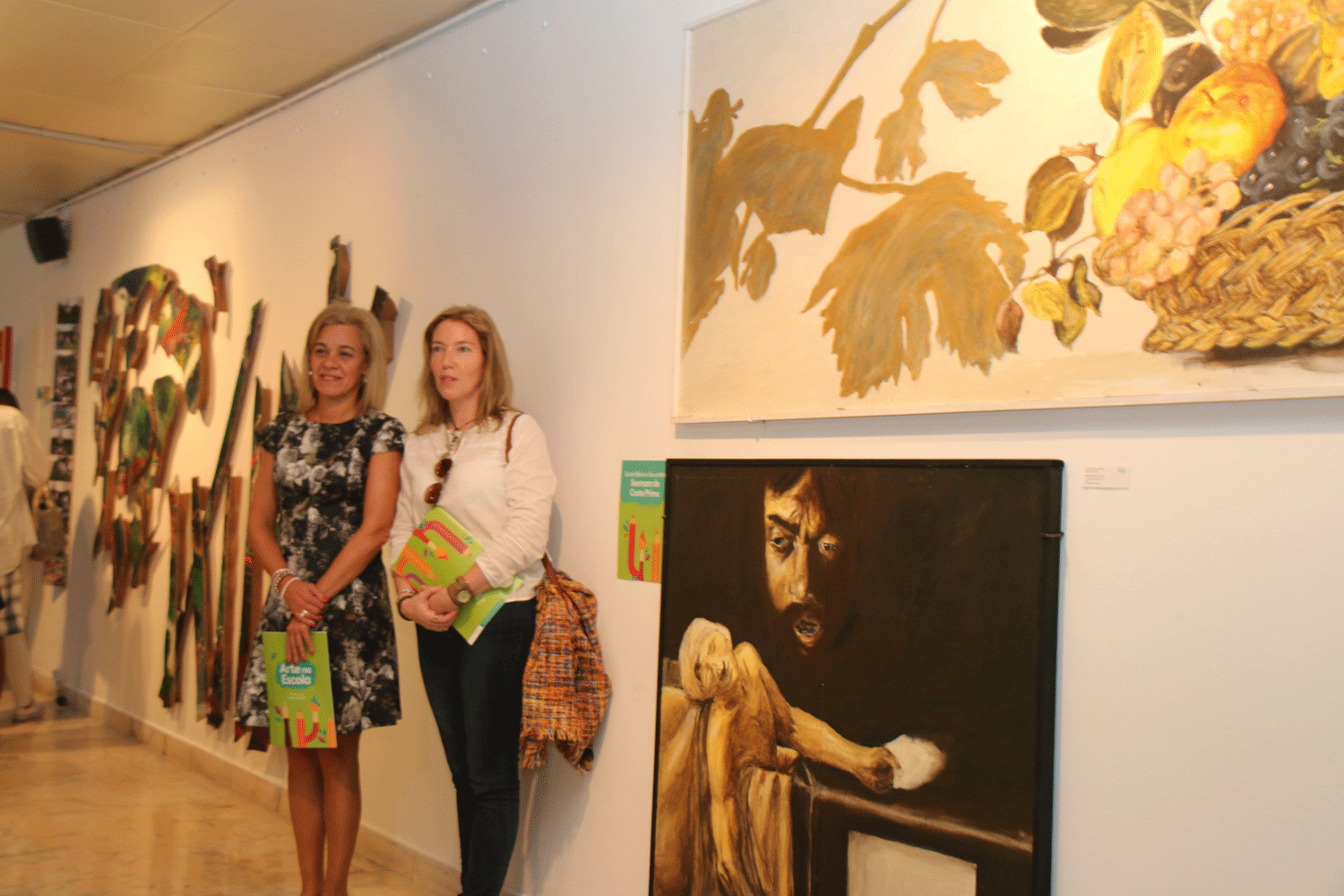
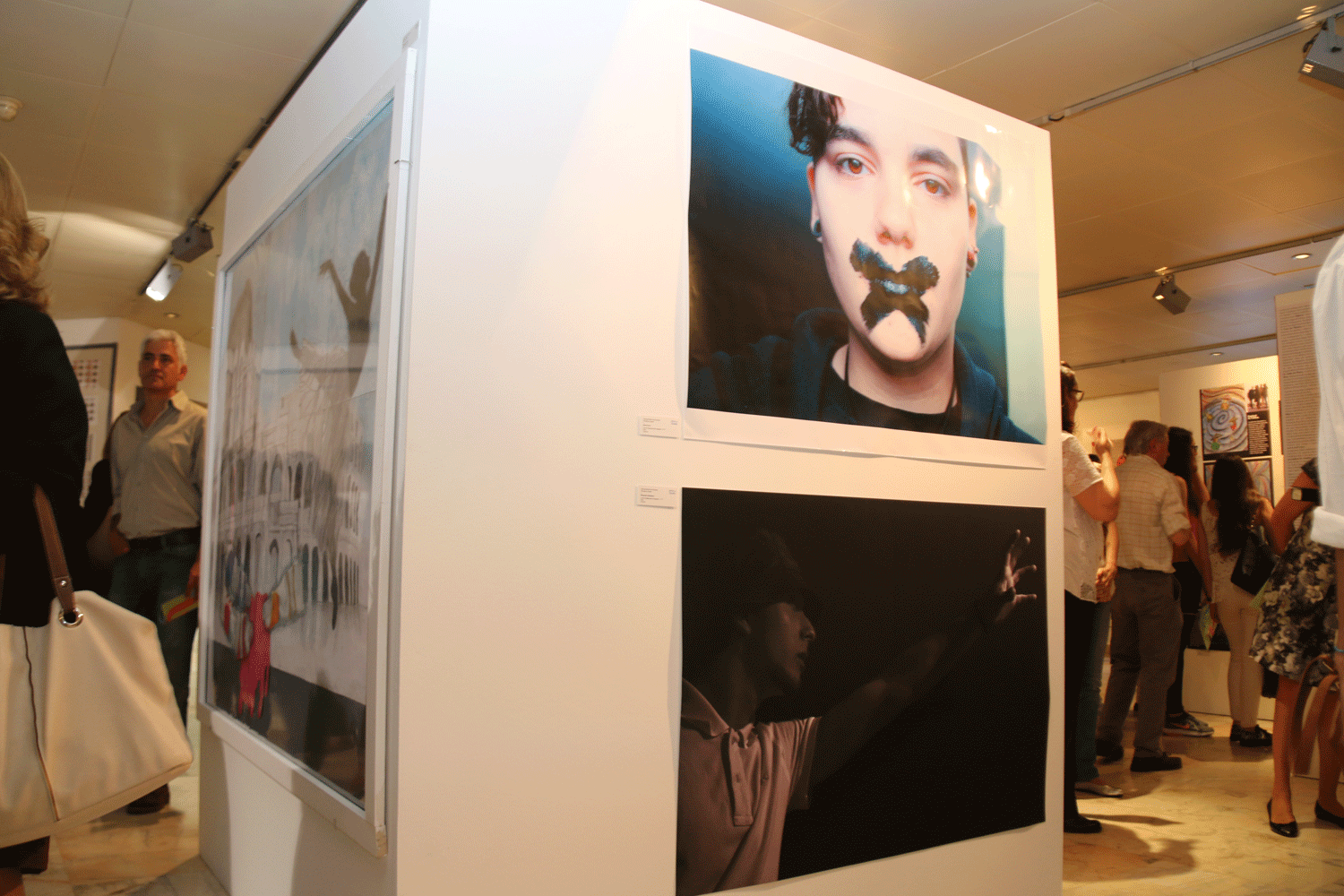
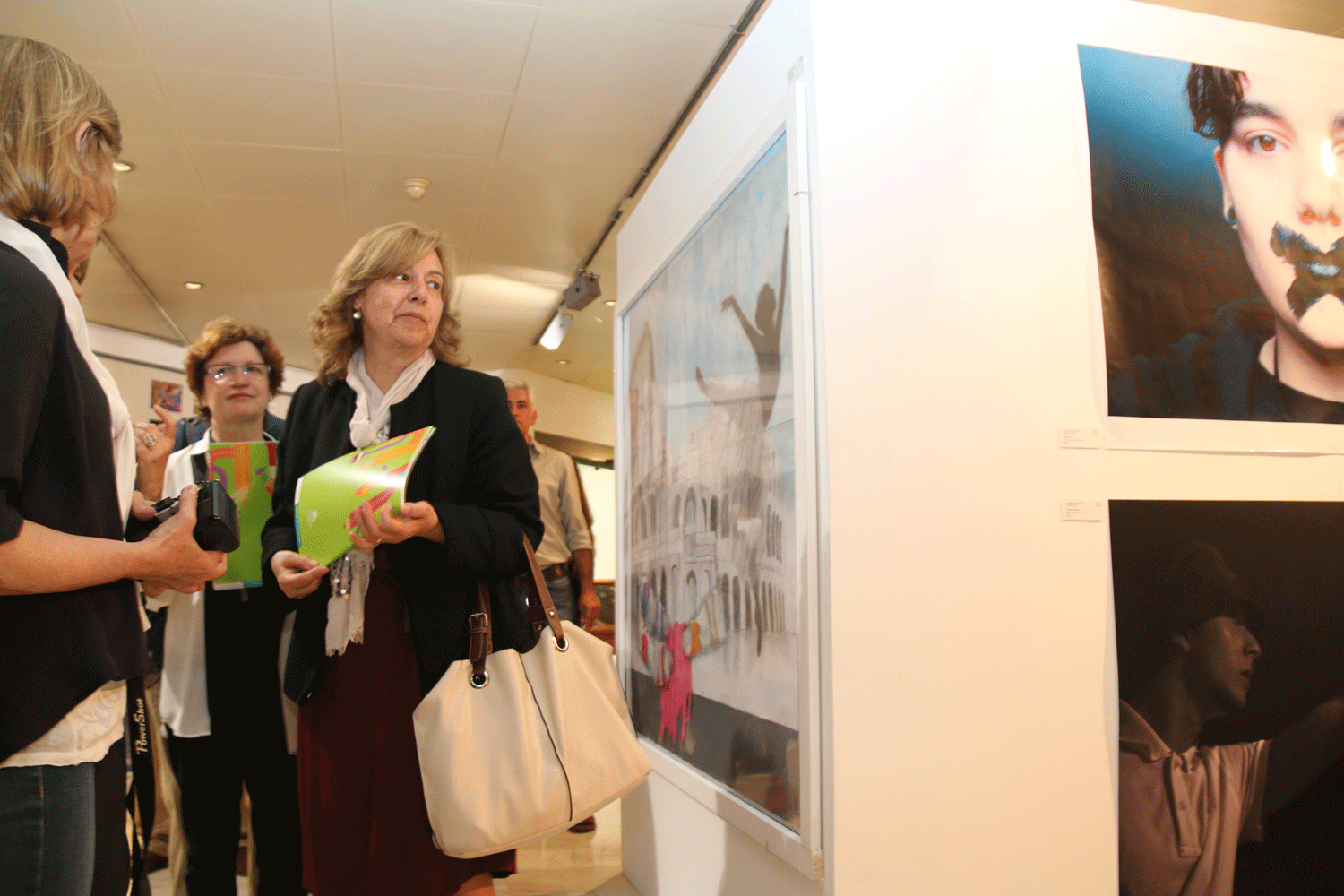
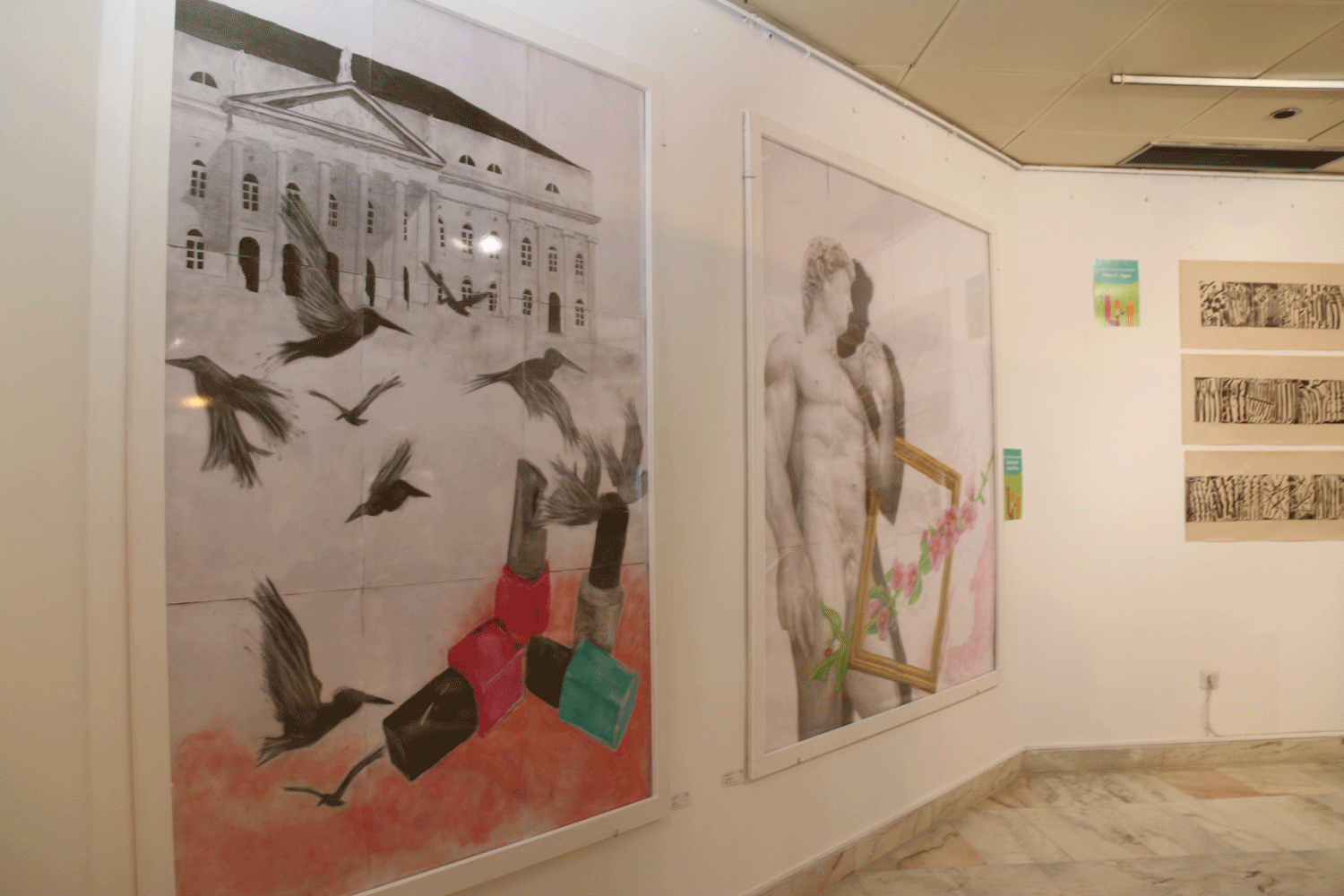
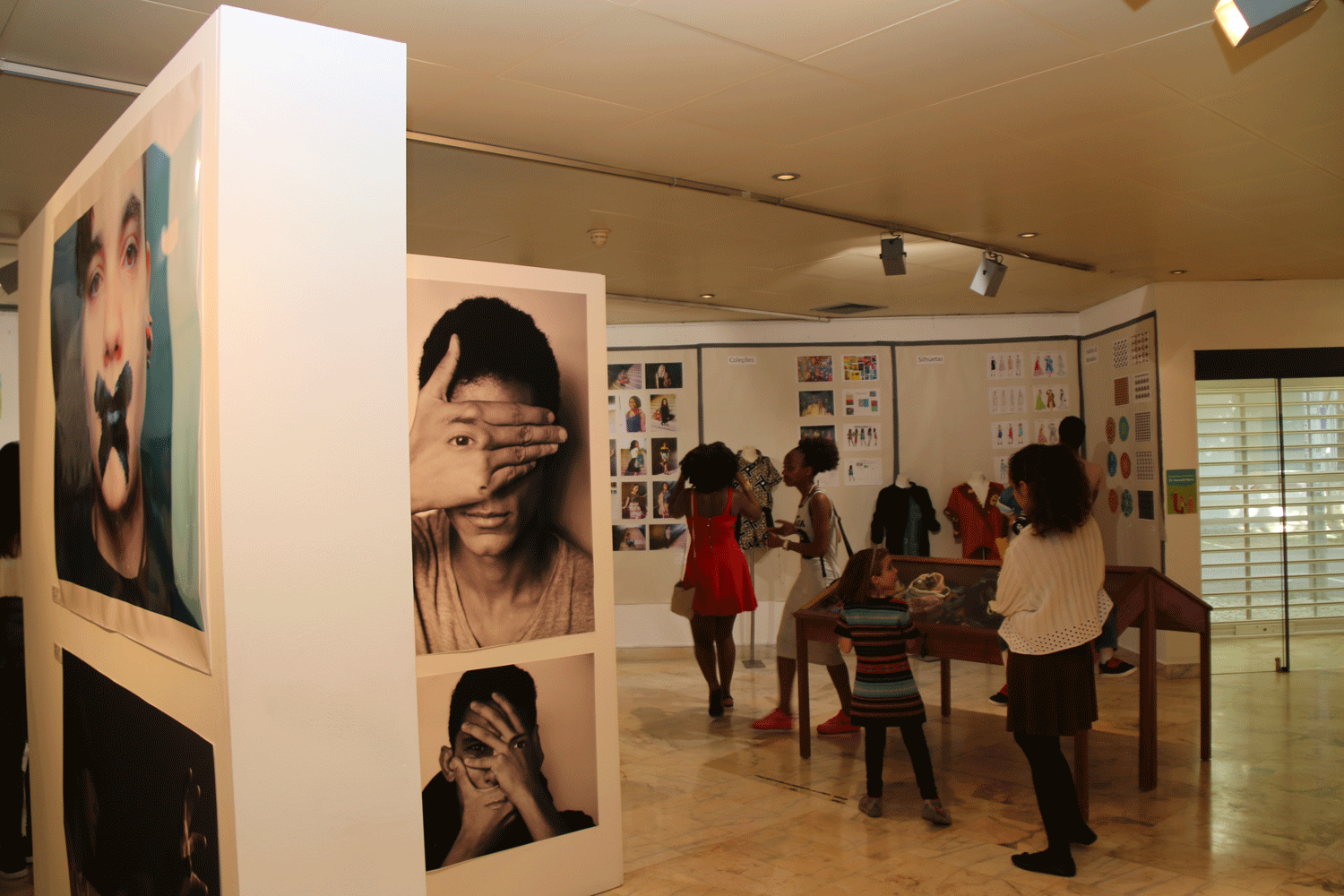
arte_escola_1 arte_escola_1a arte_escola_2 arte_escola_3 arte_escola_4 arte_escola_5 arte_escola_6 arte_escola_7 arte_escola_8

Slideset Example

This is an image gallery using all the features from the slideset widget.

How To Use

The Widgetkit Gallery comes with a user-friendly administration user interface which let's you create new galleries with just a few clicks. The integrated directory browser let's you easily add or remove source directories of your images. All galleries can be loaded anywhere in your theme using shortcodes or the universal Widgetkit Joomla module or WordPress widget.

Imprimir Email

  • Memória
  • Comentários e sugestões
  • Ligações
  • Mapa do site
  • Área Reservada
 
Última modificação no site: terça-feira 30 junho 2026, 09:46:42.