Logo titulo 2

issuu logo symbol colour

    • Agrupamento
    • Escolas
      • • ESSCP (sede)
      • • EBI D. FMM
      • • EB1/JI Venteira
      • • EB1/JI Manuel Heleno
      • • JI Raquel Gameiro
    •   Visita virtual à sede Visita virtual à sede
    • Oferta educativa 26/27
    • Fale connosco
  • Orgãos
    • Organograma
    • Conselho Geral
    • Direção
    • Conselho Administrativo
    • Conselho Pedagógico
    • Departamentos
  • Documentos
    • Projeto educativo 15-18
    • Reg. interno 15-18
      • Reg. Cursos Profissionais
      • Reg. Cursos Edu. Formação
    • Plano A. de Atividades
    • Projeto Curricular
    • Plano Pluri. TEIP 14-17
    • Avaliação
      • Externa
      • Interna
    • Plano E@D
    • PADDE 25/27
  • Comunidade
    • Comunidade escolar
    • Alunos
      • Estatuto do aluno
      • Calendário Escolar 25|26
      • Manuais Adotados 25|26
      • Critérios Gerais de Avaliação
      • Provas e Exames 2026
      • Valor e Excelência
    • Não Docentes
      • Contratação/Concursos
    • Pais / E.E.
  • Serviços
    • Administrativos
    • Ação Social Escolar
    • Apoio T. Específico
    • Bibliotecas
    • EMAEI
    • G.A.A.F.
    • Gabinete de Acolhimento
    • Mentoria entre Pares
    • Suporte informático
    • S.P.O.
    • Sala de Estudo
  • Notícias
    • ANO LETIVO 2025-26
    • ARQUIVO
      • Ano letivo 24/25
      • Ano letivo 23/24
      • Ano letivo 22/23
      • Ano letivo 21/22
      • Ano letivo 20/21
      • Ano letivo 19/20
      • Ano letivo 18/19
      • Ano letivo 17/18
      • Ano letivo 16/17
  • Referência
    • ESTRUTURAS DE REFERÊNCIA
    • Clube Desportivo
    • ESCXEL
    • Observa. da Qualidade
    •  Programa Erasmus+ Programa Erasmus+
    • Programa TEIP
    • Programa QUALIFICA
  • A.E.C.
    • Atividades de Enriquecimento Curricular
    • Clubes
      • Clube das Artes
      • Cerâmica e Azulejo
      • Ciência Viva na Escola
      • Clube de Fotografia
      • Clube de Música
      • Programação e Robótica
    • Projetos
      • Antologia e_moções
      • Apps For Good
      • Eco-Escolas
      • E.F. / Desporto Escolar
      • Energy up
      • Escola Feliz
      • INOV E
      • Grupo de teatro AbreMundos
      • Mexe-te +
      • Newsletter
      • PNC
      •  Programa Erasmus+ Programa Erasmus+
Demo
Home Notícias Avenue ...
  • Office 365
  • Suporte informático
  • SIGE3
  • SIGA
  • Inovar PAA
  • Inovar
  • Consulta alunos
  • Moodle
15 Mar.2013

Beautiful Icons

Lorem ipsum dolor sit amet, consectetur adipisicing elit, sed do eiusmod tempor incididunt ut labore et dolore magna aliqua. Ut enim ad minim veniam, quis nostrud exercitation ullamco laboris nisi ut aliquip ex ea commodo consequat. Duis aute irure dolor in reprehenderit in voluptate velit esse cillum dolore eu fugiat nulla pariatur. Excepteur sint occaecat cupidatat non proident, sunt in culpa qui officia deserunt mollit anim id est laborum.

Ler mais: Beautiful Icons

Imprimir Email

31 Jul.2011

Slideset

The Widgetkit Slideset takes your product showcase to the next level. It provides a sleek way to show multiple sets of items and uses smooth effects while looping through them.

Features

  • Clean and very lightweight code
  • Eye-catching transition effects
  • Fully responsive including all effects
  • Support of named custom sets
  • Swipe navigation on mobile phones
  • Built with HTML5, CSS3, PHP 5.3+ and the latest jQuery version
  • Works with Joomla and WordPress

Slide Example

The sets are auto generated (4 items per set), item names are shown and it uses the slide effect and navigation buttons.

  • Icon 01
    Radio
  • Icon 02
    Camera
  • Icon 03
    Calendar
  • Icon 04
    Volume
  • Icon 05
    Chat
  • Icon 06
    Tunes
  • Icon 07
    E-Mail
  • Icon 08
    Google+
  • Icon 09
    Player
  • Icon 10
    Like
  • Icon 11
    Twitter
  • Icon 12
    Weather

Zoom Example

The sets are arranged manually, sets names are used as a navigation and it uses the zoom effect.

  • Icon 01
  • Icon 02
  • Icon 03
  • Icon 04
  • Icon 05
  • Icon 06
  • Icon 07
  • Icon 08
  • Icon 09
  • Icon 10
  • Icon 11
  • Icon 12
  • Icon 13
  • Movies
  • Books
  • Music

Drops Example

The sets show the item names and it uses the drops effect and navigation buttons.

  • Icon 01
    Album 1
  • Icon 02
    Album 2
  • Icon 03
    Album 3
  • Icon 04
    Album 4
  • Icon 05
    Album 5
  • Icon 06
    Album 6
  • Icon 07
    Album 7
  • Icon 08
    Album 8
  • Icon 09
    Album 9
  • Icon 10
    Album 10
  • Icon 11
    Album 11
  • Icon 12
    Album 12

Deck Example

This auto generated sets uses prev/next buttons as a navigation and the deck effect.

  • Icon 01
  • Icon 02
  • Icon 03
  • Icon 04
  • Icon 05
  • Icon 06
  • Icon 07
  • Icon 08
  • Icon 09
  • Icon 10
  • Icon 11
  • Icon 12

How To Use

The Widgetkit Slideset takes full advantage of the very user-friendly Widgetkit administration interface. You can create and manage all slidesets and their different items in one place. After you have created a slideset, you can load it anywhere on your website using shortcodes or the universal Widgetkit Joomla module or WordPress widget.

Imprimir Email

31 Jul.2011

Accordion

The Widgetkit Accordion enables you to display a set of items in a compact space. When clicking on each item's header, it expands or collapses its content section.

Features

  • Clean and very lightweight code
  • Responsive design to fit all device resolutions
  • Smooth transitions on content section toggle
  • Option to automatically match the height of varying content
  • Option to auto collapse or allow multiple opened items
  • Built with HTML5, CSS3, PHP 5.3+ and the latest jQuery version
  • Works with Joomla and WordPress

Example

Slide 1

Icon 01

Headline

Lorem ipsum dolor sit amet, consectetur adipisicing elit, sed do eiusmod tempor incididunt ut labore et dolore magna aliqua.

Slide 2

Icon 02

Headline

Lorem ipsum dolor sit amet, consectetur adipisicing elit, sed do eiusmod tempor incididunt ut labore et dolore magna aliqua.

Slide 3

Icon 03

Headline

Lorem ipsum dolor sit amet, consectetur adipisicing elit, sed do eiusmod tempor incididunt ut labore et dolore magna aliqua.

Slide 4

Icon 04

Headline

Lorem ipsum dolor sit amet, consectetur adipisicing elit, sed do eiusmod tempor incididunt ut labore et dolore magna aliqua.

How To Use

The Widgetkit Accordion lets you easily create and manage all the accordion's contents through the user-friendly Widgetkit administration interface. After you have created an accordion, you can load it anywhere on your website using shortcodes or the universal Widgetkit Joomla module or WordPress widget.

Imprimir Email

31 Jul.2011

Map

The Widgetkit Map provides a simple solution for adding a map to your website. Various features let you customize the map, like changing colors and adding markers or directions.

Features

  • Location selection with auto geocoding
  • Supports multiple map markers with text popups
  • Option to get the direction to the active marker
  • Supports custom map styles and colors
  • Uses the latest Google Maps API
  • Built with HTML5, CSS3, PHP 5.3+ and the latest jQuery version
  • Works with Joomla and WordPress

Direction Example

This map features all map controls, multiple markers and you can get the direction.

Color Scheme Example

Set or invert the hue, saturation, lightness and gamma of a map.

Minimal Example

This map has a fixed width, no controls and no markers.

How To Use

With the Widgetkit Map you can quickly create and manage simple maps with features like multiple markers, text popups and custom color schemes. Once you have created a map, you can load it anywhere on your website using shortcodes or the universal Widgetkit Joomla module or WordPress widget.

Imprimir Email

31 Jul.2011

Gallery

The Widgetkit Gallery provides a smart and automated way to publish images on your website. You only need to select the image folders and the whole gallery is generated automatically.

Features

  • Fully responsive including all effects
  • Folder based image selection
  • Supports multiple image folders
  • Automatic thumbnail creation
  • Supports image captions and custom links
  • Uses the Widgetkit Spotlight and Lightbox
  • Built with HTML5, CSS3, PHP 5.2+ and the latest jQuery version
  • Works with Joomla and WordPress

Showcase Box Example

This is an image showcase with eye-catching transition effects and a thumbnail navigation.

  • image1
  • image2
  • image3
  • image4
  • image5
  • image6
  • image7
  • image8
  • This is a HTML caption with a link.
  • This is another HTML caption with a link.
  • image1
  • image2
  • image3
  • image4
  • image5
  • image6
  • image7
  • image8

Image Wall Example

This is an image wall with zoom effect, no margins and squared corners using the lightbox.

No images found.

Polaroid Example

This is an image wall with scattered polaroid pictures using the lightbox.

Aguarela-Seomara-2

Aguarela-Seomara-2

Manuais_024_seomara

Manuais_024_seomara

Seomara

Seomara

Seomara_600px3

Seomara_600px3

mw-1920

mw-1920

Slider Example 1

This is an image slider where the image centers automatically during the effect. It also features a spotlight caption and the lightbox.

  • This is a caption for the first image.
  • This is a caption for the second image.
  • This is a caption for the third image.
  • This is a caption for the fourth image.

Slider Example 2

This is an image slider where the image stays left during the effect.

No images found.

Slideshow Screen Example

This is an image gallery using the nice swipe effect from the slideshow widget.

No images found.

Slideshow Default Example

This is an image gallery using all the features from the slideshow widget.

  • ESSCP
  • entrada
  • interior
  • interior_acesso_biblioteca
  • pavilhoes

Showcase Example

This is a simple image showcase mashing up all the features from the slideshow and slideset widget.

No images found.

Slideshow Inside Example

This is a very basic slideshow which uses preview thumbnails inside the image as a navigation.

  • image01
  • image02
  • image03
  • image04
  • image05
  • image01
  • image02
  • image03
  • image04
  • image05

Spotlight Example

This is an image wall with some margins and rounded corners using the spotlight and lightbox.

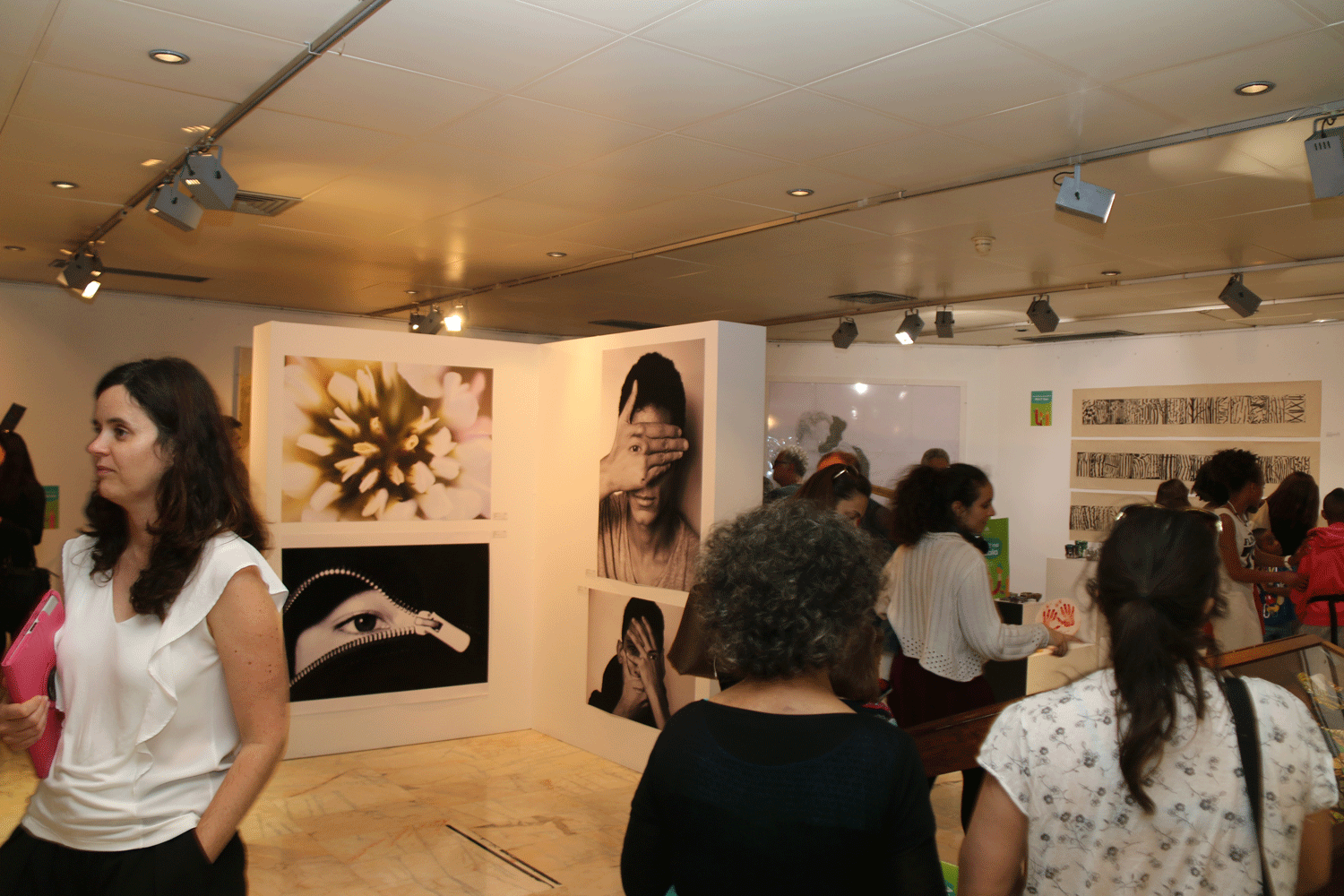
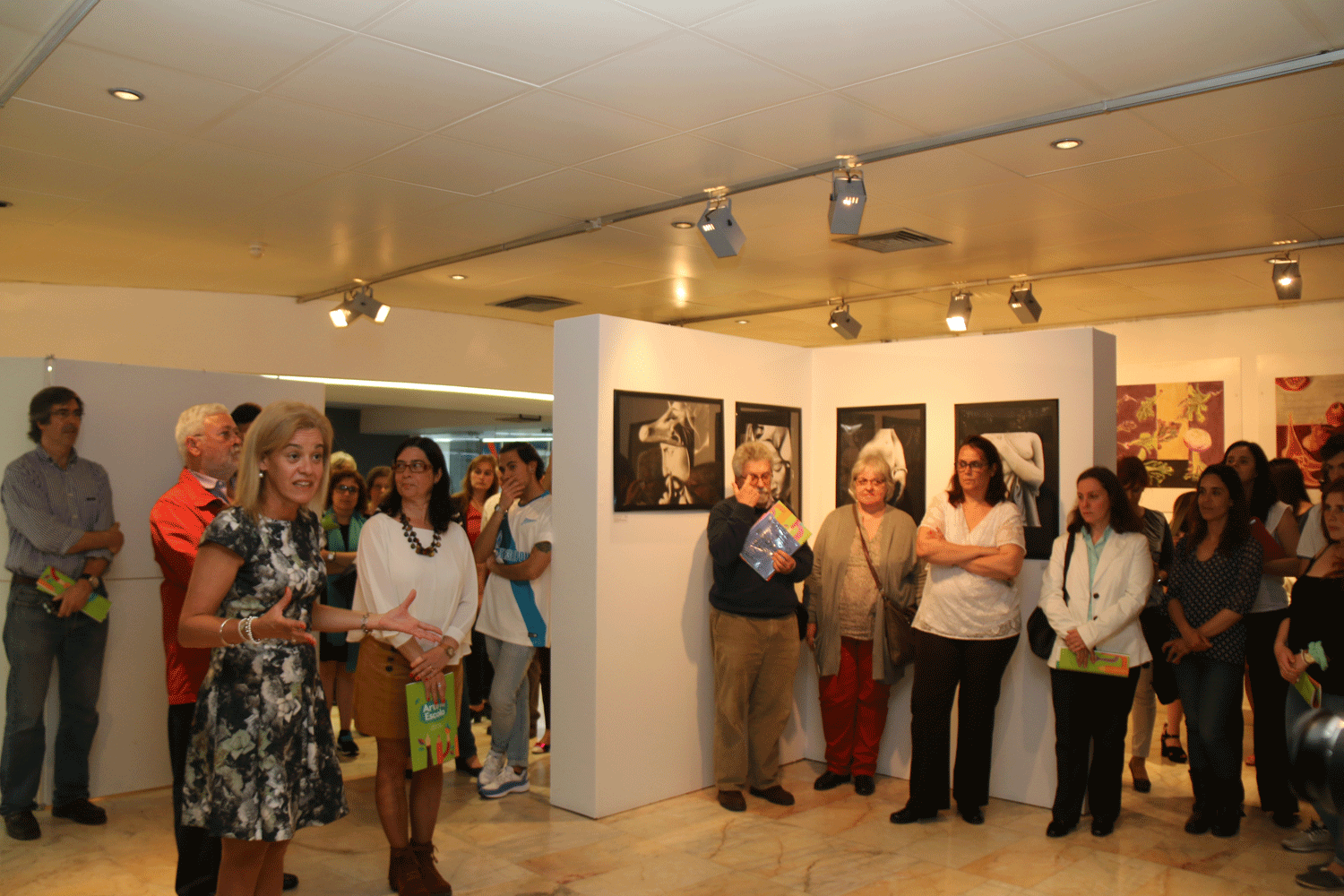
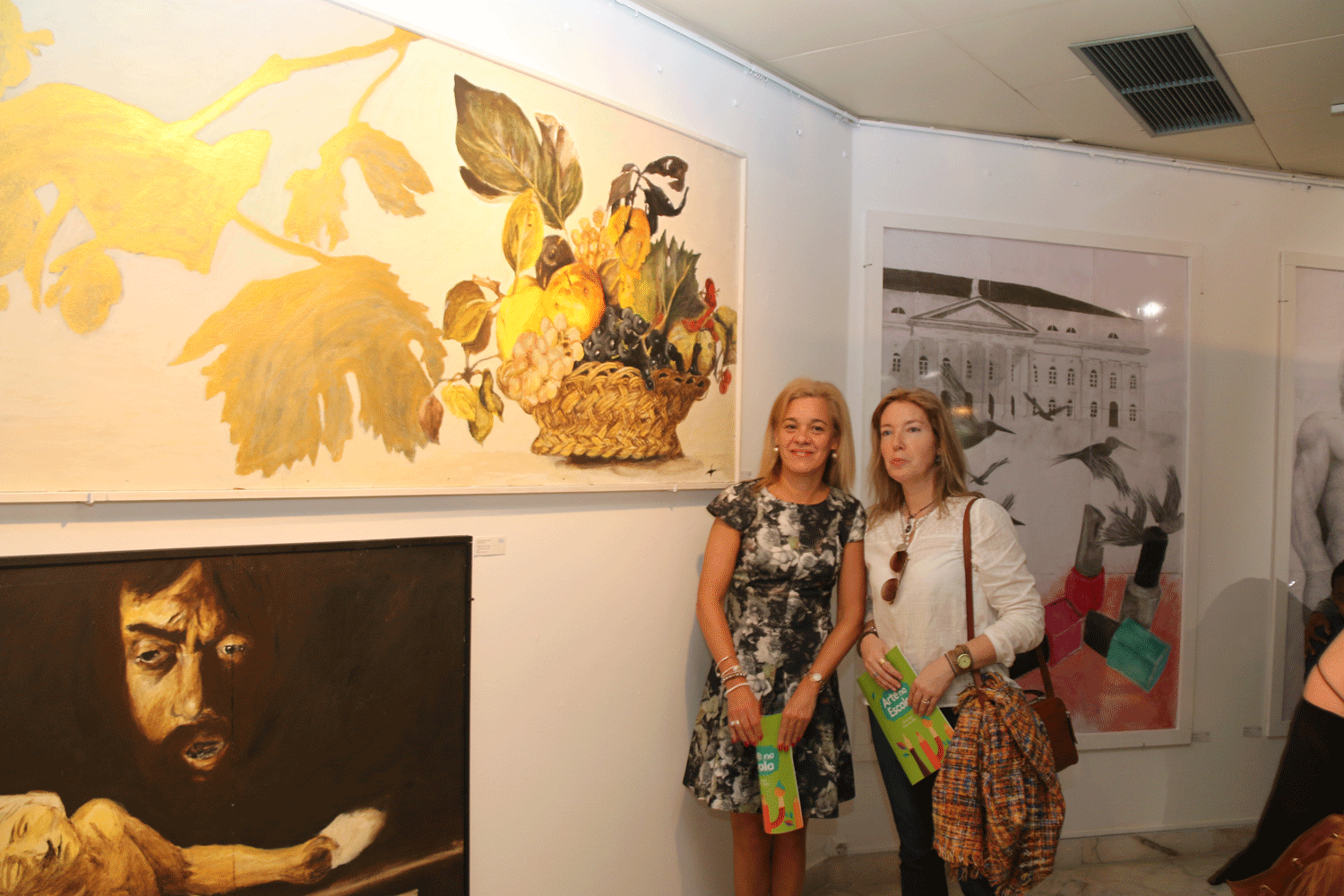
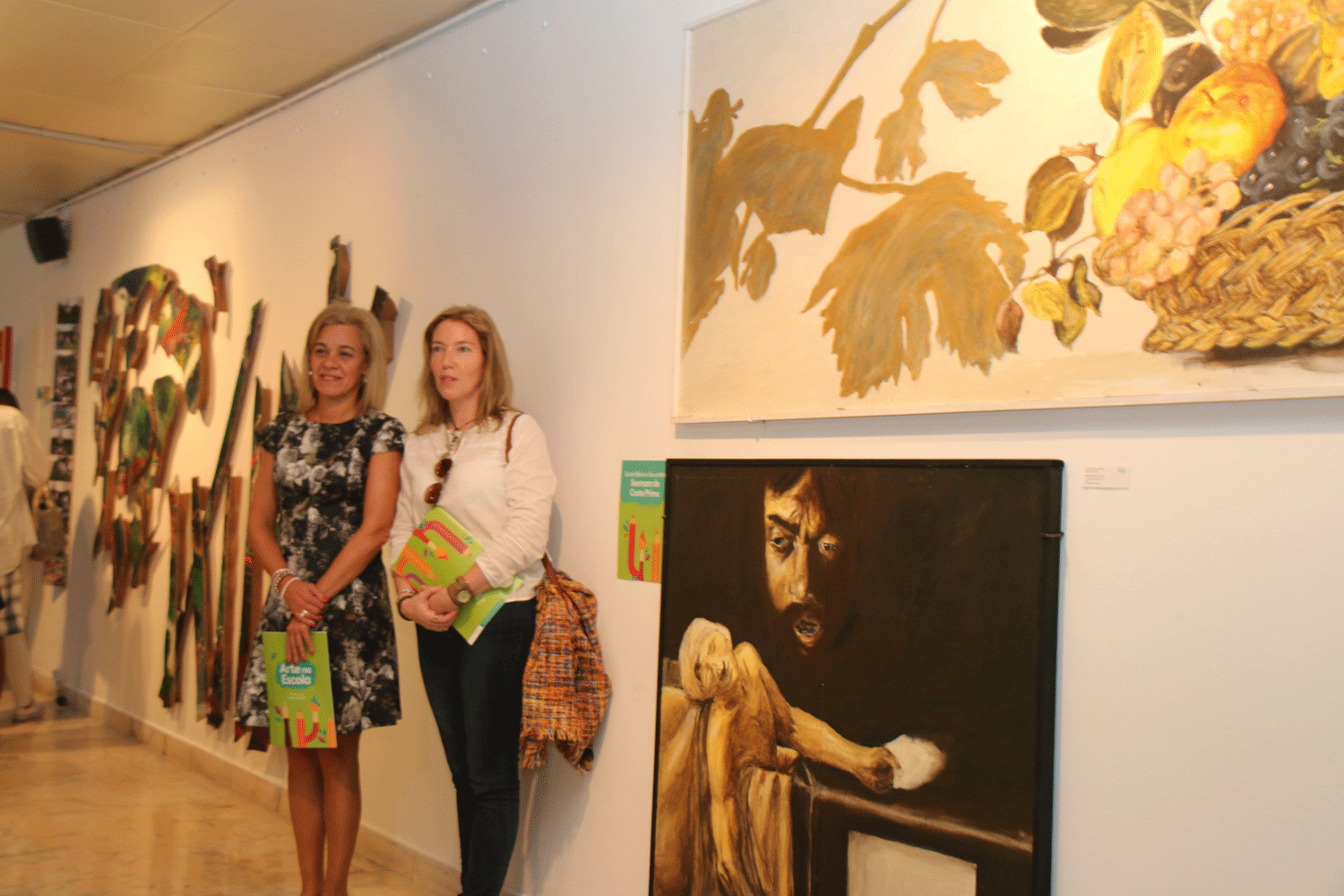
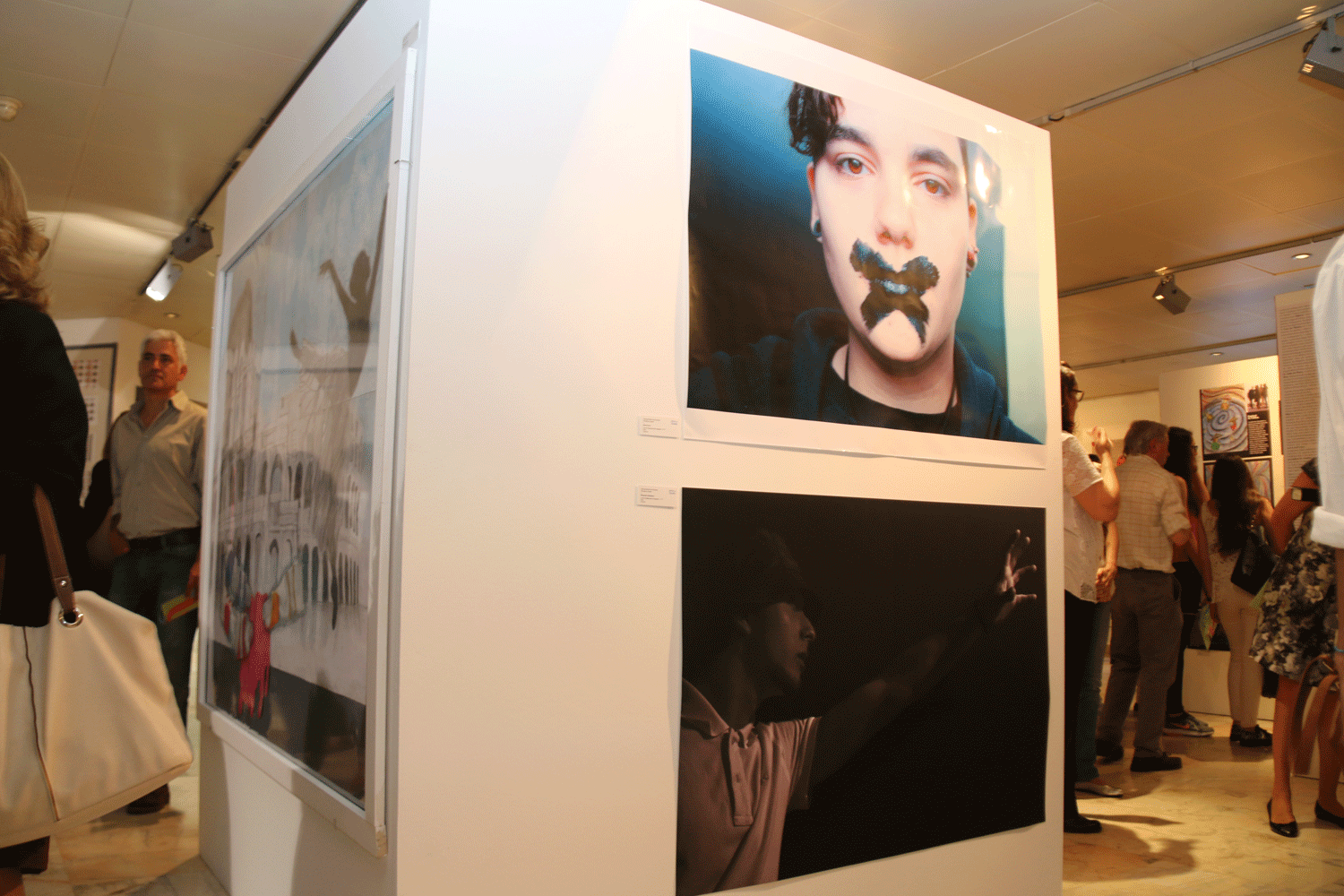
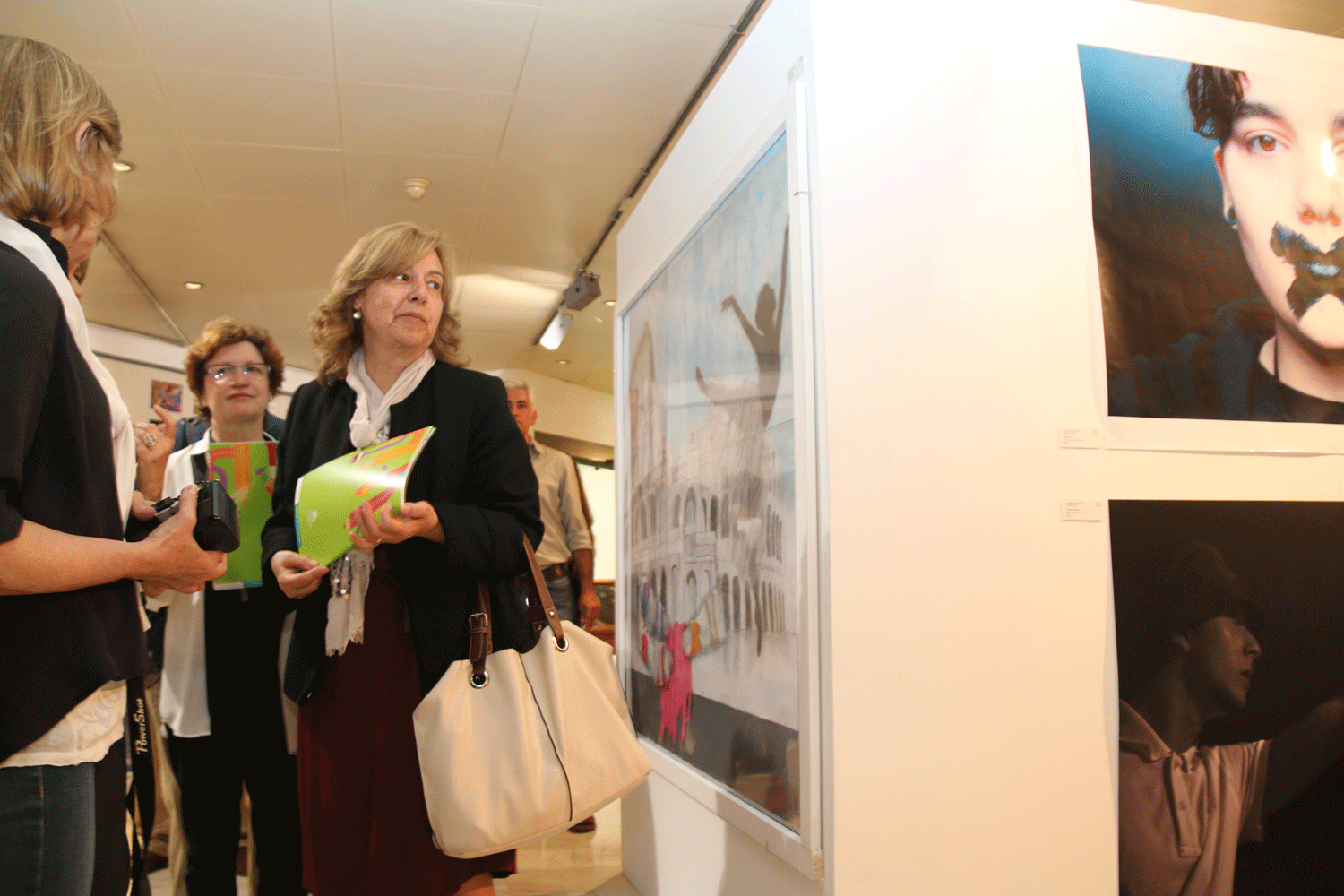
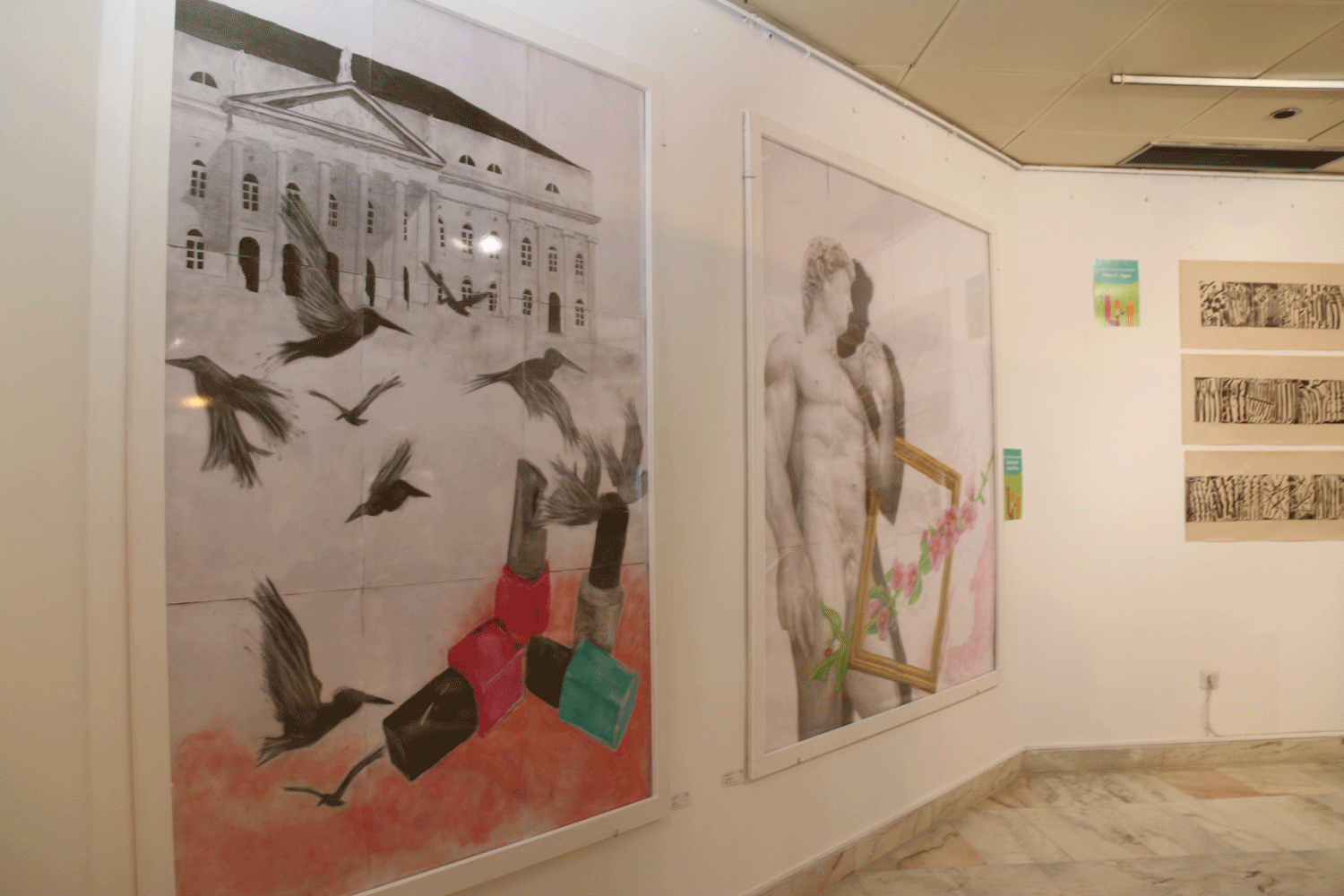
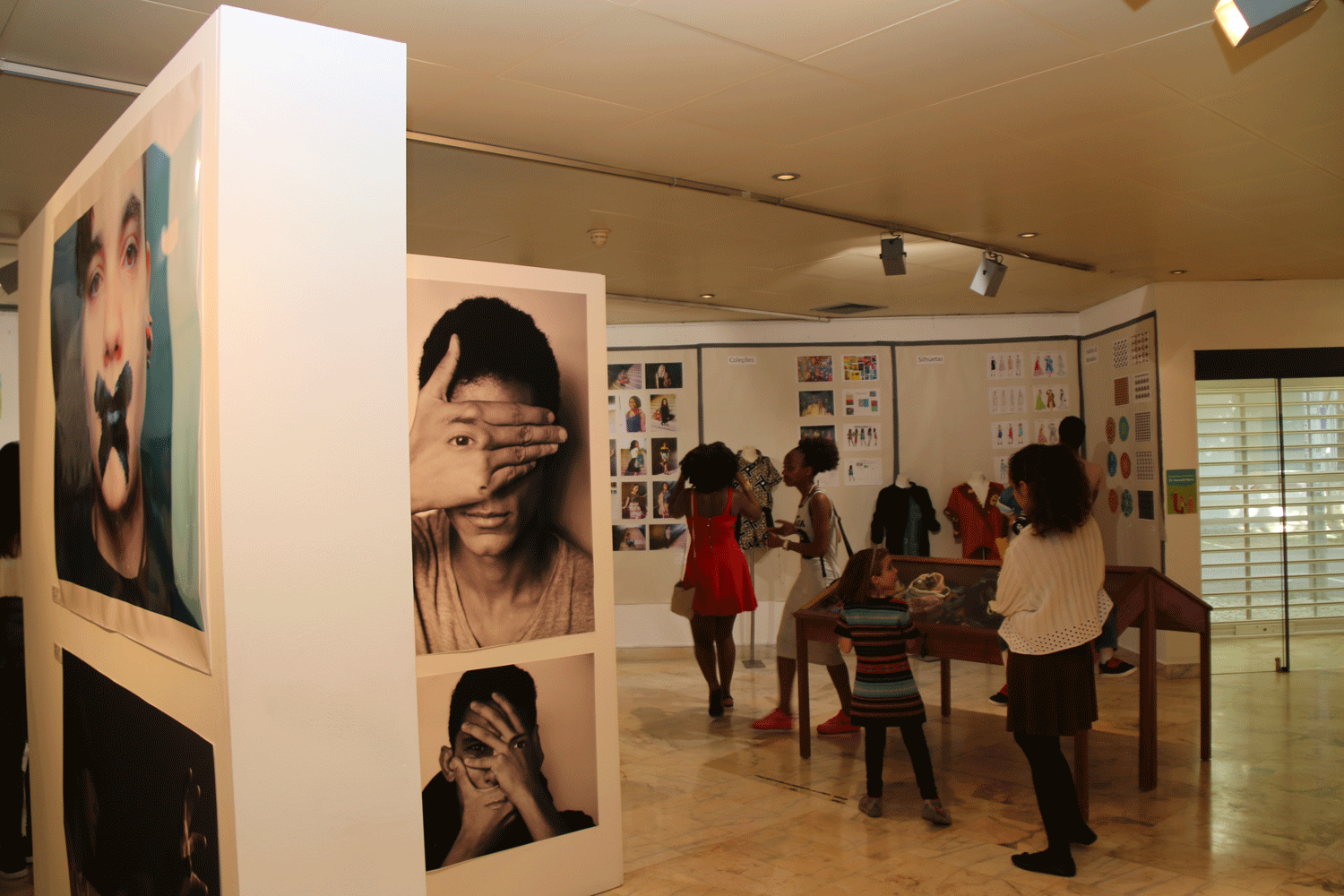
arte_escola_1 arte_escola_1a arte_escola_2 arte_escola_3 arte_escola_4 arte_escola_5 arte_escola_6 arte_escola_7 arte_escola_8

Slideset Example

This is an image gallery using all the features from the slideset widget.

How To Use

The Widgetkit Gallery comes with a user-friendly administration user interface which let's you create new galleries with just a few clicks. The integrated directory browser let's you easily add or remove source directories of your images. All galleries can be loaded anywhere in your theme using shortcodes or the universal Widgetkit Joomla module or WordPress widget.

Imprimir Email

31 Jul.2011

Media Player

The Widgetkit Media Player is a HTML5 audio and video player completely built with HTML and CSS. You can easily embed video files into your website by using the HTML5 video element. A Flash player fallback is included for all unsupported browsers.

Features

  • Native playback for modern HTML5 browsers
  • Supports MP4 (h.264), WebM, FLV, WMV and MP3 files
  • Completely built with HTML and CSS
  • Responsive design to fit all device resolutions
  • Same UI in all browsers
  • Create your own skins
  • Flash player fallback for unsupported browsers
  • Works with Joomla and WordPress

Examples

This is a MP3 Audio Sample:

How To Use

Use the HTML5 video element to embed video in your website. For example:

<video src="/video.mp4" width="320" height="240"></video>

You can also provide multiple sources, to add support for the different video formats like h.264, WebM or Ogg:

<video width="320" height="240">
  <source type="video/mp4"  src="/video.mp4" />
  <source type="video/webm" src="/video.webm" />
  <source type="video/ogg"  src="/video.ogv" />
</video>

Use the HTML5 audio element to embed MP3 files in your website. For example:

<audio src="/audio.mp3" type="audio/mp3"></audio>

Imprimir Email

  • 1
  • 2
  • 3

Pesquisa no Blog

Artigos relacionados

Artigos mais lidos

  • MEGA - Manuais Escolares Gratuitos 2022/23
  • Quadros de Valor e Excelência 2016/2017
  • Os monitores da Sala de Estudo
  • Domínios de Autonomia Curricular (DAC’s) - 10º4
  • MEGA - Manuais Escolares Gratuitos 2021-22

Últimas notícias

  • Visita de estudoao Museu do Neo-Realismo
  • Visita ao Adventure Park– Jamor
  • Alunos da EB D. FMM entrevistam Bárbara Guimarães para o JORNAL DE NOTÍCIAS/TSF
  • Visita de estudo à Biblioteca Municipal Fernando Piteira Santos
  • Visita de estudo ao Museu Nacional do Desporto (IPDJ)
  • Lista Provisória de Candidatos Admitidos e Excluídos ao Concurso para Técnico Superior - Psicólogo (2 vagas)
  • Seminário Erasmus+ - Inscrições abertas para ACD
  • Informação - Ação Social Escolar - Candidaturas 2026-2027
  • Erasmus+ em Le Mans (França): uma semana de aprendizagem, sustentabilidade e espírito europeu
  • Escola FMM conquista 2.º lugar nacional com projeto solidário da SIC Esperança

Etiquetas populares

  • 2024-2025 317
  • 2023-2024 304
  • 2025-2026 302
  • 2022-2023 273
  • 2019/2020 264
  • 2021/2022 225
  • 2018/2019 212
  • Visita de Estudo 188
  • 2017/2018 152
  • FMM 147

Os últimos eventos

10 Jun. 2026
Feriado - Dia de Portugal
11 Jun. 2026
Festival de Ciência
12 Jun. 2026
Fim das aulas 2025/26: 7º, 8º e 10º anos
06 Jul. 2026
Seminário Erasmus+
07 Jul. 2026
Seminário Erasmus+

Novo logo 2

Subscreva a nossa newsletter

SUBSCREVER

Notícias

erasmus

Inscrição no Canal Youtube


Facebook

feed-image Assinar RSS feed

Calendário escolar 2025/26

  1º Semestre

  • Início: 12 de setembro de 2025
  • Fim: 26 de janeiro de 2026

  2º Semestre

  • Início: 2 de fevereiro de 2026
  • Fim: 

  • 5 de junho de 2026 para os alunos dos 9.º, 11.º e 12.º anos;
  • 12 de junho de 2026 para os alunos dos 5.º, 6º, 7.º, 8.º e 10.º anos; 
  • 30 de junho de 2026 – Pré-escolar e 1o ciclo;
  • CEF e Cursos Profissionais em conformidade com o cronograma

  Interrupções

  • 1ª: de 20 a 21 de novembro de 2025 > Reuniões intercalares do 1º semestre
  • 2ª: de 22 de dezembro de 2025 a 2 de janeiro de 2026 > Natal
  • 3ª: de 27 a 30 de janeiro de 2026 > Avaliação do 1º semestre
  • 4ª: de 16 a 17 de fevereiro de 2026 > Carnaval
  • 5ª: de 31 de março a 1 de abril de 2026 > Reuniões intercalares do 2º semestre

  • 6ª: de 2 a 10 de abril de 2026 > Páscoa

Download calendário


Meteorologia

Rádio

Encarregado de Proteção de Dados

Ler mais..
  • Memória
  • Comentários e sugestões
  • Ligações
  • Mapa do site
  • Área Reservada
 
Última modificação no site: sábado 04 julho 2026, 09:39:20.